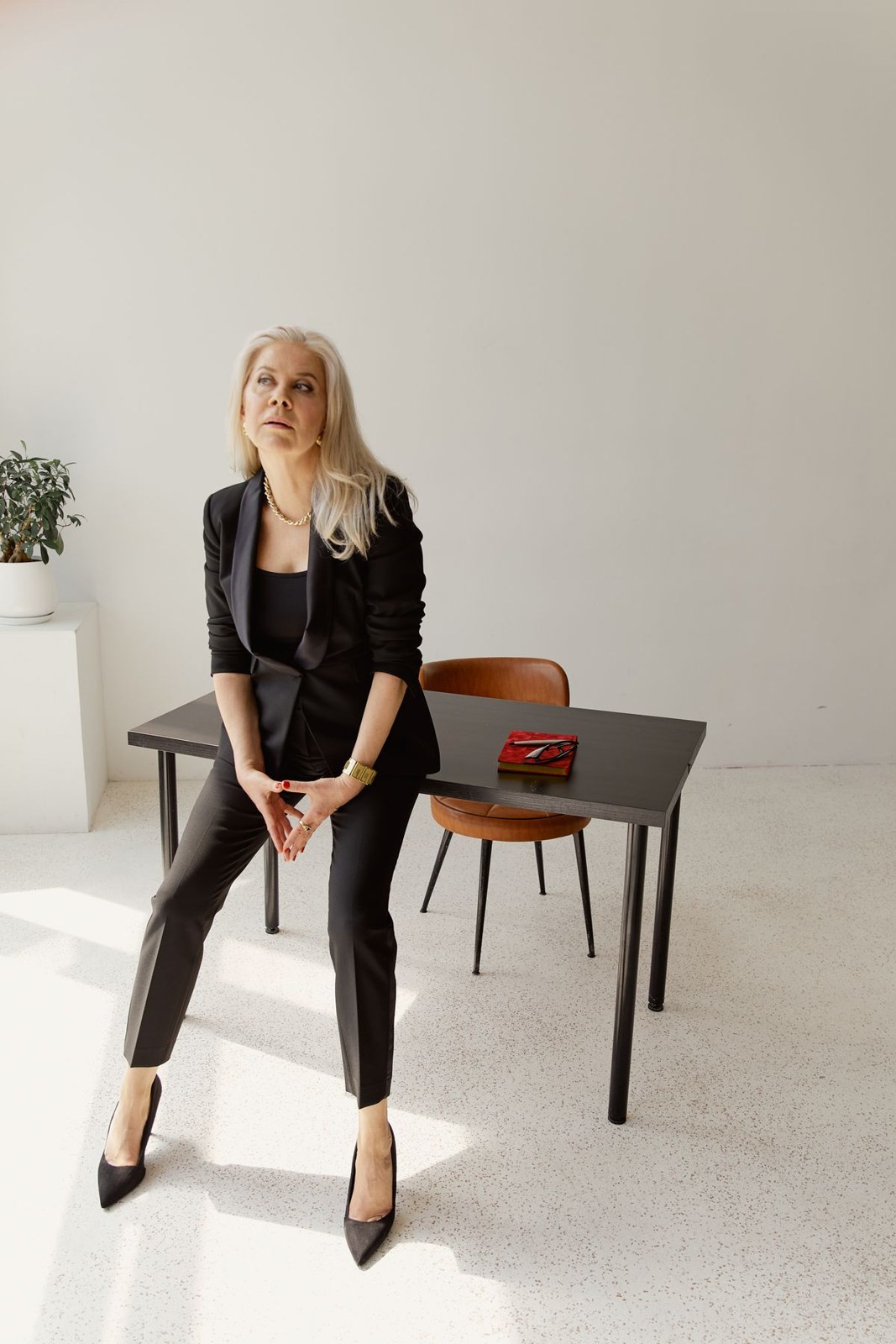
Look at the neckline on screen
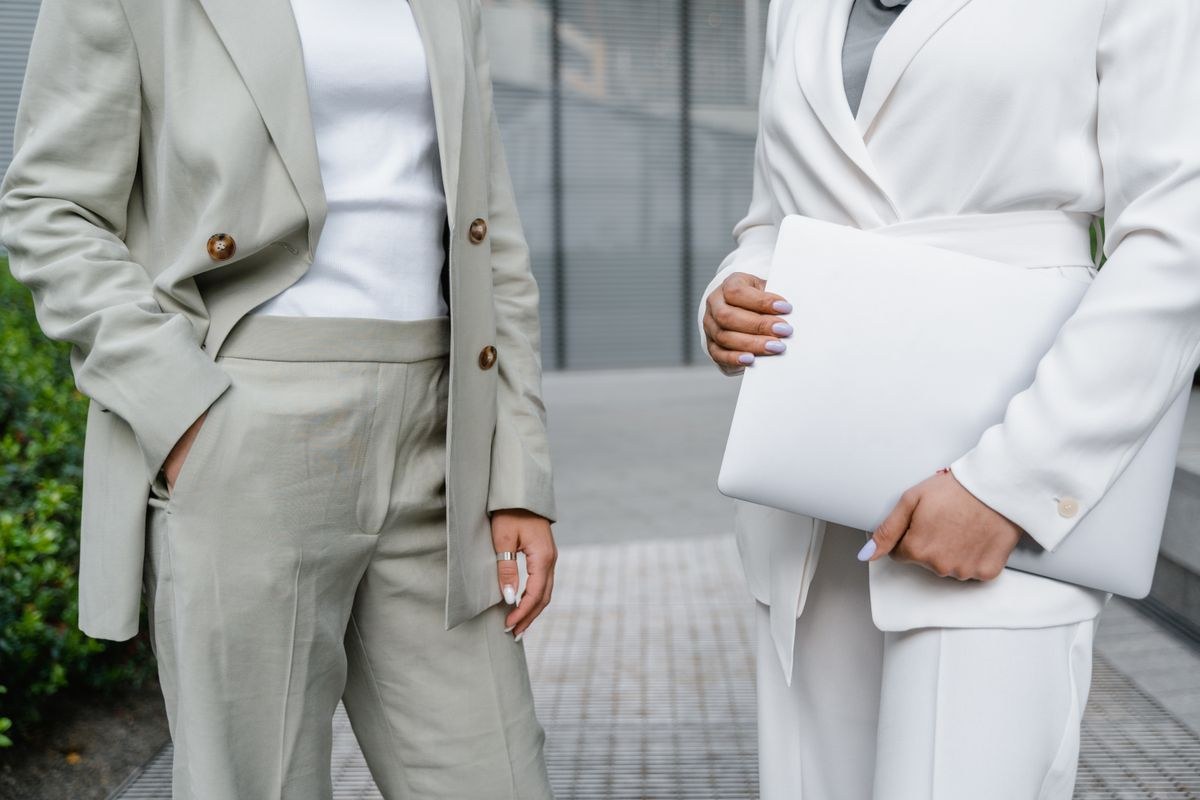
A light trouser suit can lose definition against a similarly pale background. Check the actual camera picture before the appointment. A slightly darker plain top beneath the blazer can make its outline clearer without introducing a bright colour. Grey, muted blue or brown are possible starting points. With the blazer open, the top edge should sit where you expect it. A high chair and low camera alter the visible neckline, so adjust the working setup before replacing an otherwise useful outfit simply to suit the screen.
Test glasses and window light together
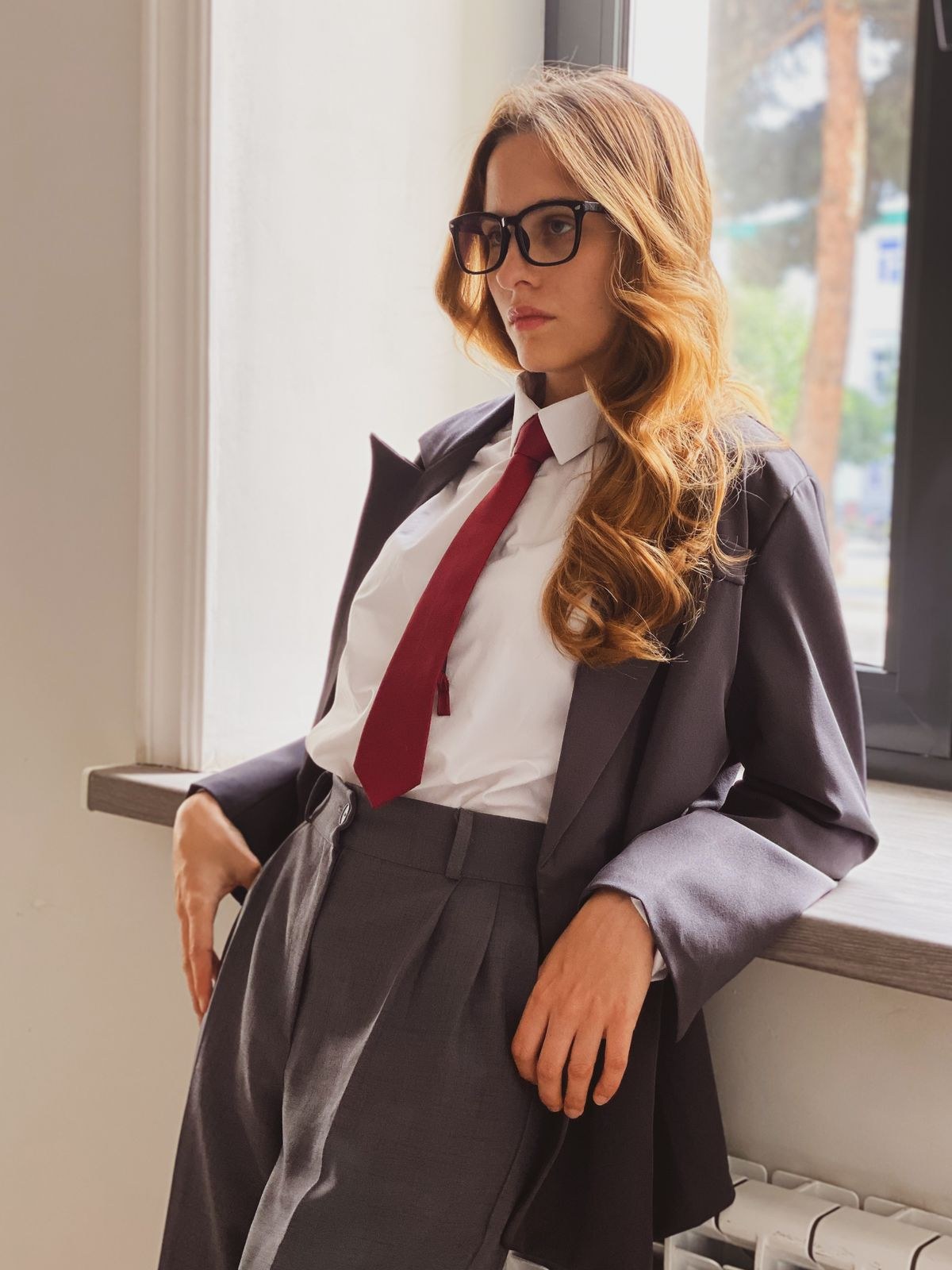
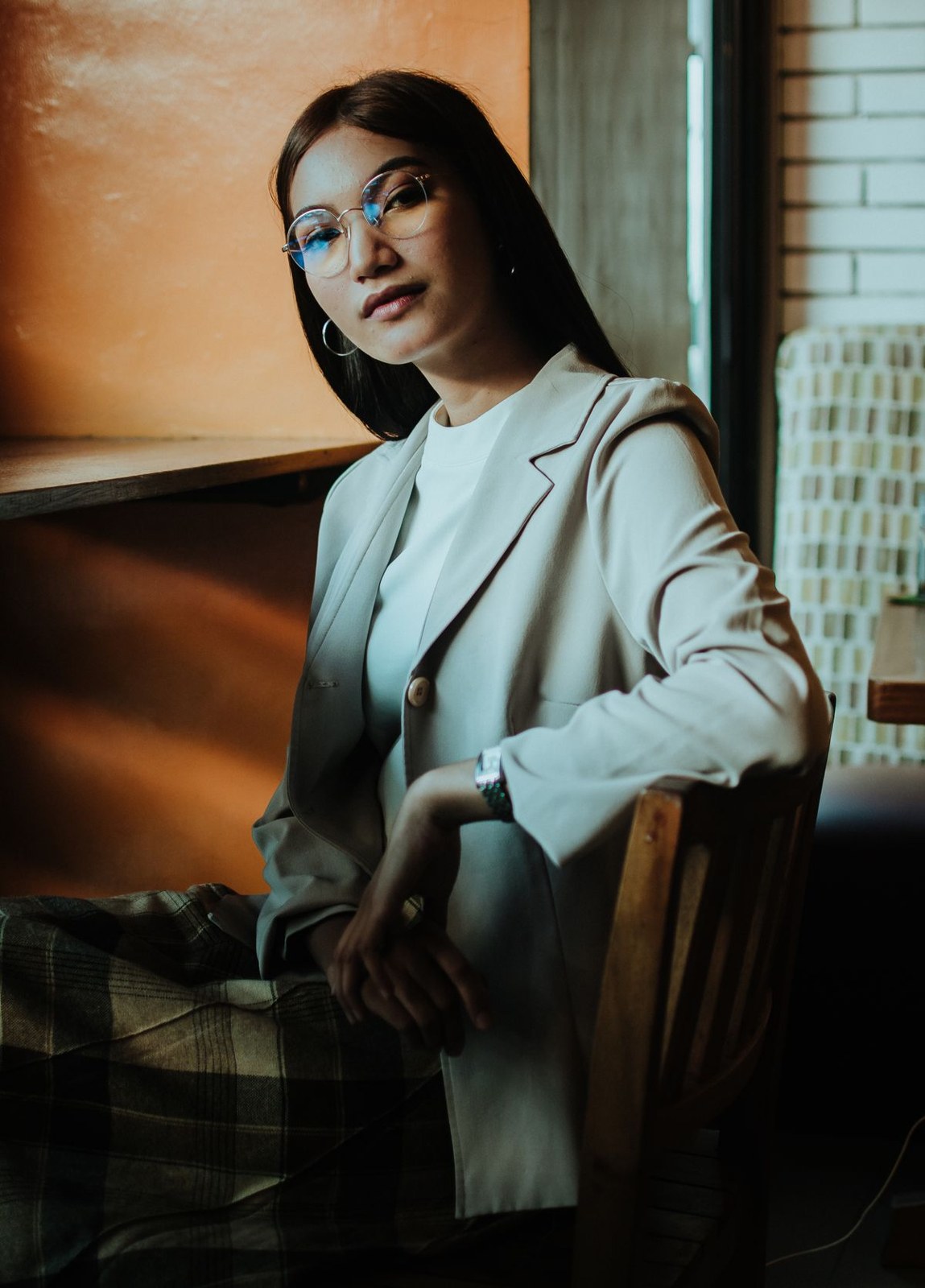
If you wear glasses, look for strong reflections in the camera view. Turn the screen or your seat slightly instead of holding your head at an awkward angle during the conversation. A large necklace can catch on the lapels; small earrings or no jewellery are equally complete choices. Window light is useful for checking the outfit, rather than deciding whether your clothes are suitable. Look at pale tops in ordinary room lighting too, so the combination meets your preferences away from the camera and feels comfortable when you stand up.
Make the lower half comfortable too
The trousers still matter to your comfort even when they are outside the camera frame. Sit with the waistband fastened for a while before judging the fit. Something that feels fine initially can feel different during desk work. Keep a cardigan nearby if you remove the blazer between calls. Afterwards, the same suit can work with flat shoes for an errand outdoors. A quick check of the hems and pocket contents may be all that is needed to make the clothes useful beyond the video meeting.